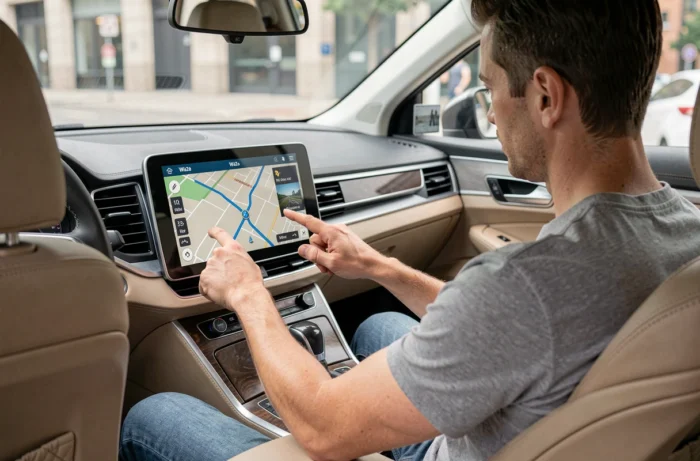
Displaying Waze on a car’s central screen does not follow a single technical path. Depending on whether the vehicle is equipped with Android Automotive (AAOS), a system compatible with Android Auto or Apple CarPlay, or simply a Bluetooth connection, the possibilities and limitations differ significantly. This article compares these three integration modes, their hardware constraints, and the French legal framework governing the use of a navigation screen while driving.
Native Waze, projection, or Bluetooth: comparative table of installation modes
The choice of integration mode depends on the vehicle’s embedded system. Not all provide access to the same features of Waze.
| Criterion | AAOS (native Waze) | Android Auto / CarPlay | Bluetooth only |
|---|---|---|---|
| Installation | From the Google Play Store integrated into the vehicle | Application installed on the smartphone, projected via USB cable or Wi-Fi | No installation on the vehicle, audio pairing only |
| Map display on the central screen | Yes, full screen | Yes, adapted interface | No, the map remains on the smartphone |
| Smartphone required | No (connection to the vehicle’s Google account) | Yes, mandatory | Yes, mandatory |
| Data connection required | Yes (embedded SIM or hotspot) | Yes (smartphone data) | Yes (smartphone data) |
| Real-time community alerts | Yes | Yes | Audio only, no visual |
| Incident reporting while driving | Yes, via touchscreen or voice command | Yes, via screen or voice | No (phone manipulation prohibited) |
Bluetooth remains the fallback solution for older vehicles, but it is limited to broadcasting voice instructions through the speakers. No map is displayed on the dashboard screen, which requires placing the smartphone on a visible mount.
Before choosing between these options, it is useful to know how to install Waze on the car’s GPS depending on the system your model has, as the steps vary from one manufacturer to another.
Dependence on mobile network: the weak point that competitors keep quiet
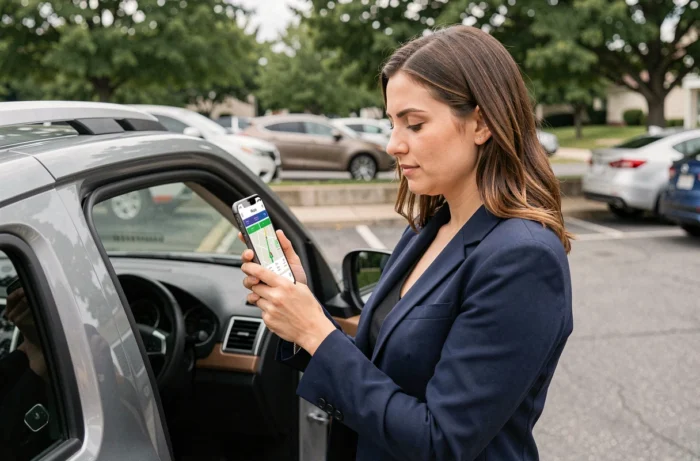
Waze does not work offline. Unlike a traditional built-in GPS that stores its maps locally, Waze relies entirely on an active data connection to calculate routes, receive traffic alerts, and update the position of incidents reported by the community.
In areas with no signal or degraded network coverage (long tunnels, narrow valleys, certain rural highway sections), navigation may freeze or lose relevance. The app retains the last loaded route but no longer recalculates in real-time.
Anticipating network outages
- Check mobile coverage on the planned route, especially in rural or mountainous areas, before departure
- Keep a built-in GPS with onboard mapping as a backup solution, especially for long trips
- On AAOS vehicles with embedded SIM, the quality of coverage depends on the operator chosen by the manufacturer, not your personal plan
This point is often underestimated. A driver using Waze as their only navigation system risks losing guidance in areas where the network weakens. The traditional built-in GPS remains more reliable in the absence of a network.
French legal framework: what you risk when using Waze while driving
Using a navigation app while driving is governed by specific rules. A phone mounted on a holder displaying only a route is tolerated. However, manipulating the smartphone screen while driving constitutes an offense.
The fine for using a phone while driving comes with a points deduction from the license. A screen displaying anything other than driving assistance can lead to a fifth-class offense, with a fine of up to 1,500 euros and 3 points deducted.
Enhanced penalties in certain departments
Departments like Deux-Sèvres have instituted immediate license suspension for using a phone while driving, in addition to the fine and points deduction. This local measure adds to the national framework and varies from one territory to another.
The Court of Justice of the EU has also validated the possibility for member states to restrict certain navigation alerts, provided that the measure is proportionate and time-limited. Radar alerts on Waze could therefore be filtered in certain European countries, an evolution to watch for drivers crossing multiple borders.
Unknown Waze features that change usage in the car
Beyond classic navigation, two recent features deserve the attention of drivers keen to stay within the legal framework while fully utilizing the app.
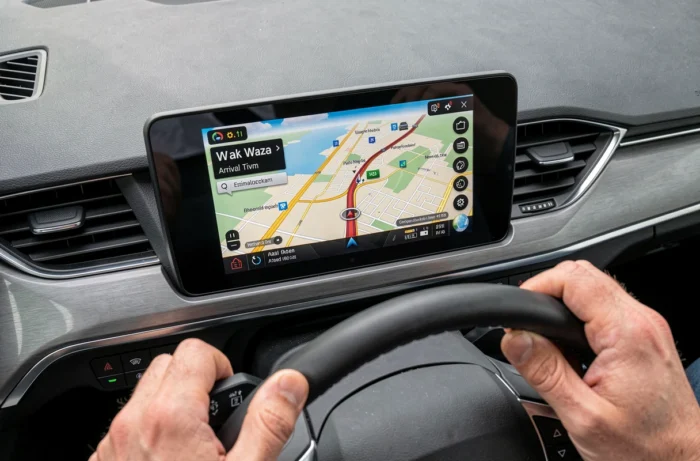
The first is the ability to manually set the starting point of a trip. This allows for preparing a route from home or the office, simulating several alternatives, and then launching navigation once settled in the vehicle, without any manipulation while driving.
The second, called Waze Map Mate, allows users to verbally describe traffic conditions to report them to the community without touching the screen. Traffic jam, obstacle on the road, stopped vehicle: voice reporting avoids any prohibited manipulation and directly contributes to the reliability of the data shared with other drivers.
These two features address a concrete constraint: staying useful to the Waze community without violating the rules regarding phone use while driving. On an AAOS system or via Android Auto, the voice command integrated into the vehicle makes the operation even smoother, as the dashboard microphone directly picks up the driver’s voice.
The choice between native Waze, projection via smartphone, or simple Bluetooth primarily depends on the vehicle’s equipment. For newer models compatible with AAOS, native integration offers the most complete experience. For others, Android Auto or CarPlay remains the best compromise between display, alerts, and legality, provided one keeps in mind the dependence on the mobile network, which remains the structural limit of any connected navigation.